
Loading…
Please note that event details will continue to be updated as additional speakers, creators, and other programming information are announced. This tool is provided solely for your convenience in planning your weekend and is subject to change without notice. No reservations are required to attend any non-VIP session.

Learn More & Register for CrimeCon 2026 →

Mobile

This event is available on your phone

  1. Download the Sched App from the App Store or Google Play
  2. Search within the Sched App to find your event:
    "CrimeCon 2026"
  3. Sign up or Log in to access your event
Sched App mobile screen download App
1. Download App
Sched App mobile screen find event
2. Find Event
Sched App mobile screen register
3. Register

Calendar Sync for Google Calendar, Outlook & Apple Calendar

Subscribe in your calendar program to see this event alongside your meetings.
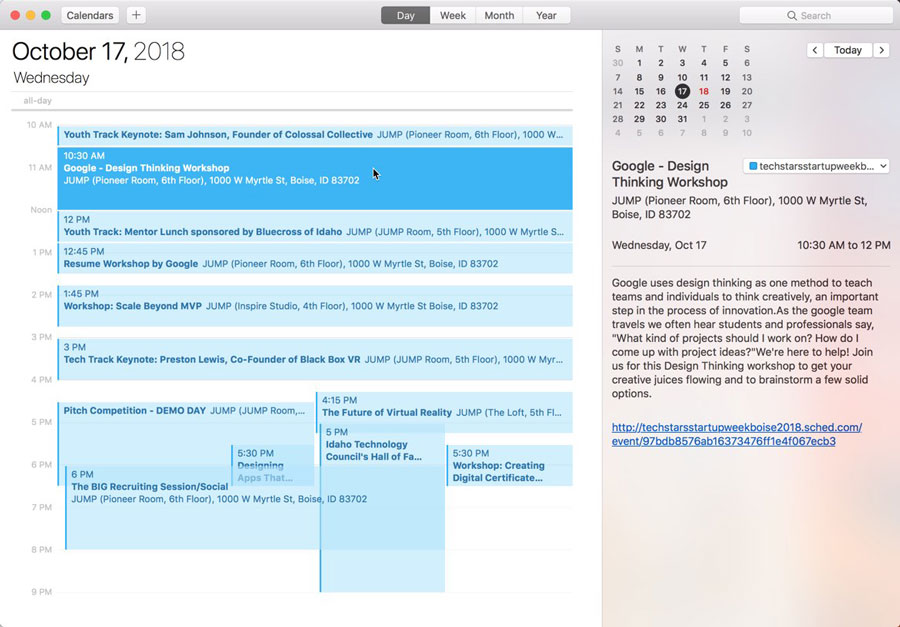
Apple Calendar
1. Click to open: Full Event Schedule
2. On next screen, set "Auto-refresh" to "Every hour" to ensure you get schedule changes.

Google Calendar
1. Click to open: Full Event Schedule
Note: Google will only update the feed once per day, which means you could miss out on last minute updates.

Microsoft Outlook
1. Click to open: Full Event Schedule
2. View instructions for Outlook.com or Outlook for Mac.

Export Calendar
This is a one-time export. You will not receive any updates to the schedule. If you expect the schedule to change, you should choose to one of the sync options above.
Full Event Schedule: https://crimecon2026.sched.com/all.ics



Share Modal

Share this link via

Or copy link